|
Receipts of Payments by Central Unit
The Central Unit or the head office, in case of a chain of hotels, can accept receipt of payments from debtors, on behalf of individual units of the chain. The head office after recording the receipt of the amount, can distribute it to individual units, if the amount received is on behalf of multiple units.
The distributed amount is settled against invoices generated in the individual units.
To record the receipt of the payment in the central unit, use the option - Central Payment, in the main menu of the Accounts Receivable module.
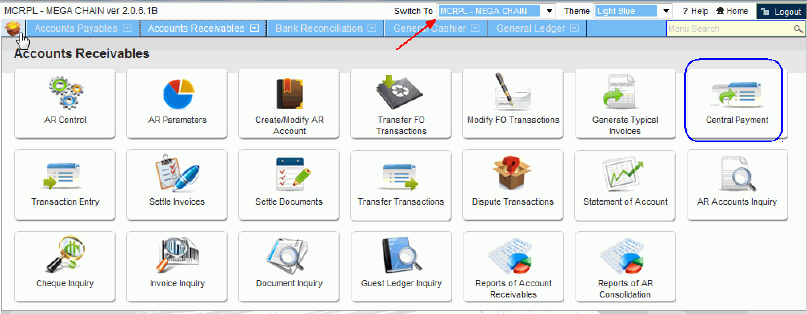
The screen that is displayed is:
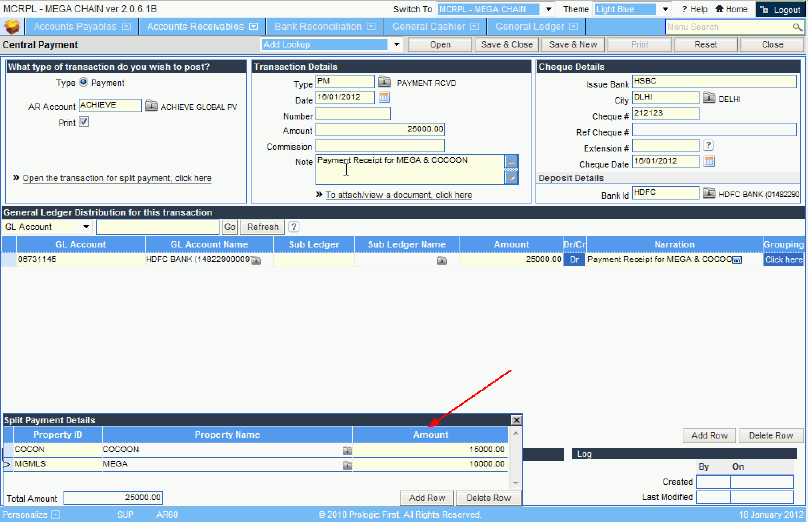
The screen is almost like the one where Payment transactions are recorded by individual units. The only difference is the section, at the bottom left, in which enter the individual unit ids to which the total receipt amount is to be distributed.
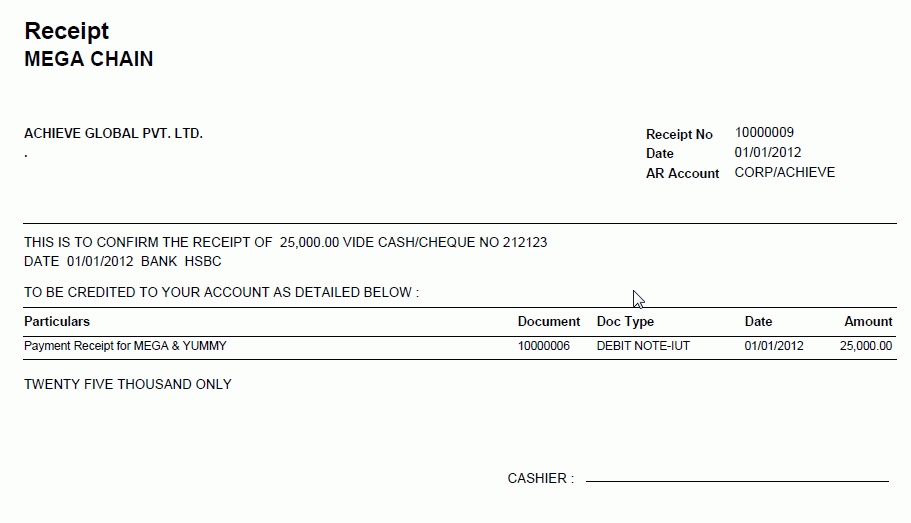
To complete the payment process, click the 'save & close' button, on the top right of the screen. This will lead to the display of the Receipts.
When you close the receipts, the system prompts you to settle the payment against the invoices raised in the individual properties. The message displayed is
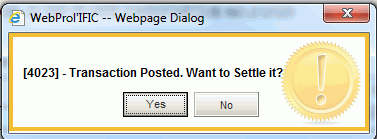
On clicking the 'Yes' button of the message, the settlement screen is displayed, one at a time for each of the properties, to which the amount was distributed.
* Alternately you can choose to settle the transactions at the Unit later, using the screen of Settle Documents.
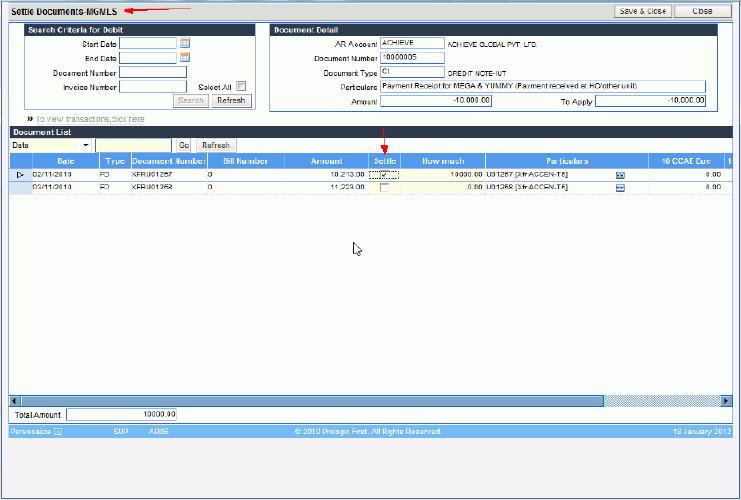
Select the transactions to be settled against the amount, by clicking the check box in the column of Settle. This will settle the amount transferred to unit from the head office, against the invoices raised in the unit.
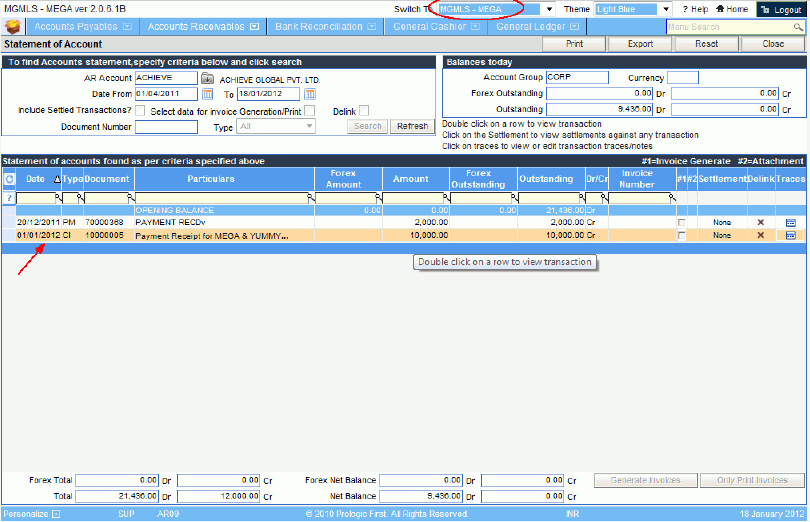
At the Head office : The Statement of Account of the debtor, will display a debit transaction linked to the Payment recorded.
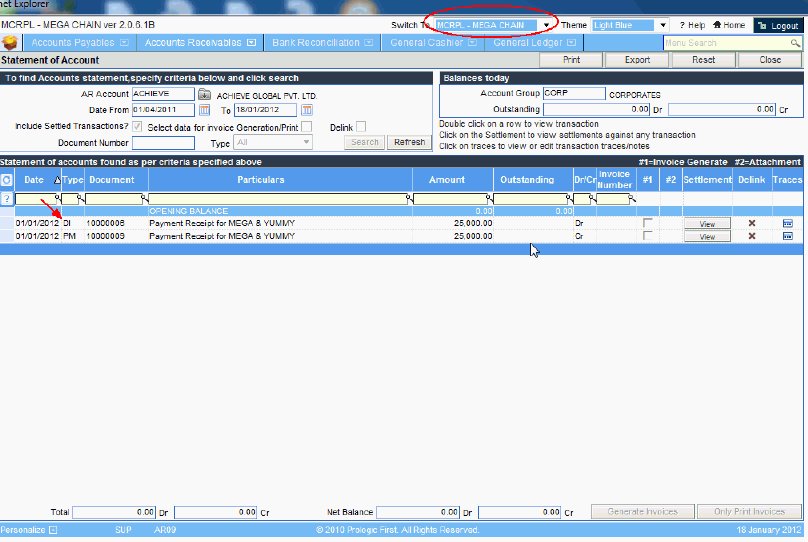
At the Unit : The statement of account of the debtor, will display a corresponding credit record of the amount transferred by the central unit.